

Built around WordPress AI
MazeGraph uses the WordPress AI Client and Abilities API to bring a provider-connected workspace into wp-admin.
Connect a provider through WordPress, ask questions with enabled site tools, and turn a content brief into a draft you can review.
MazeGraph combines conversations, site-aware tools and Content Studio in wp-admin. Administrators choose who can use it and which tools are available. Assistant writes follow the session approval mode and site policy; supported changes are recorded and can be undone.
See how the workspace works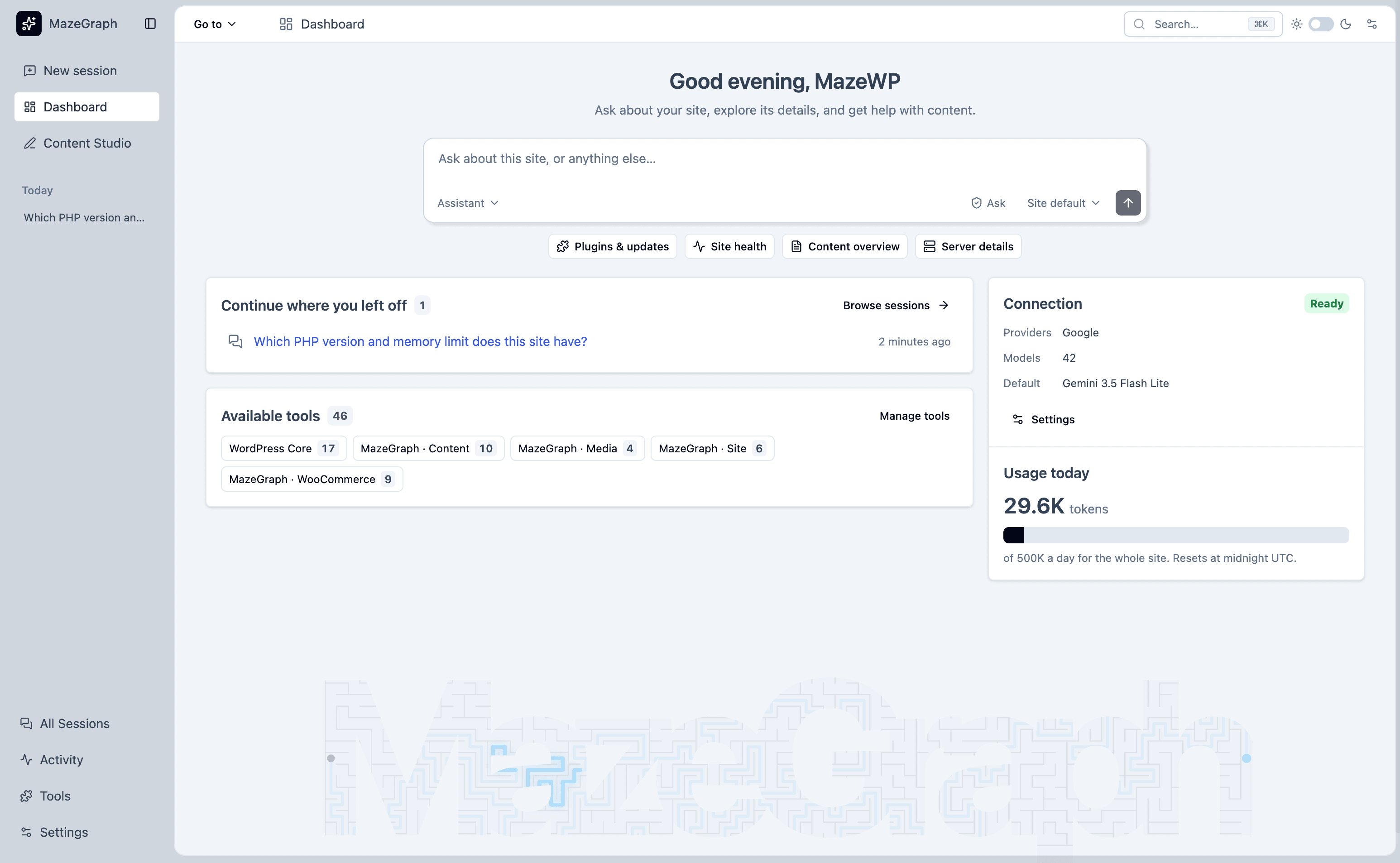
MazeGraph uses the WordPress AI Client and Abilities API to bring a provider-connected workspace into wp-admin.
Connect a provider through WordPress Connectors. MazeGraph does not include an AI provider or provider credentials.
Use the tools enabled by your administrator to ask about WordPress site data and work in context.
Tools check the current person’s WordPress permissions. Write tools are off by default, recorded in Activity, and undoable where supported; Ask, Auto, and Full follow different approval rules.
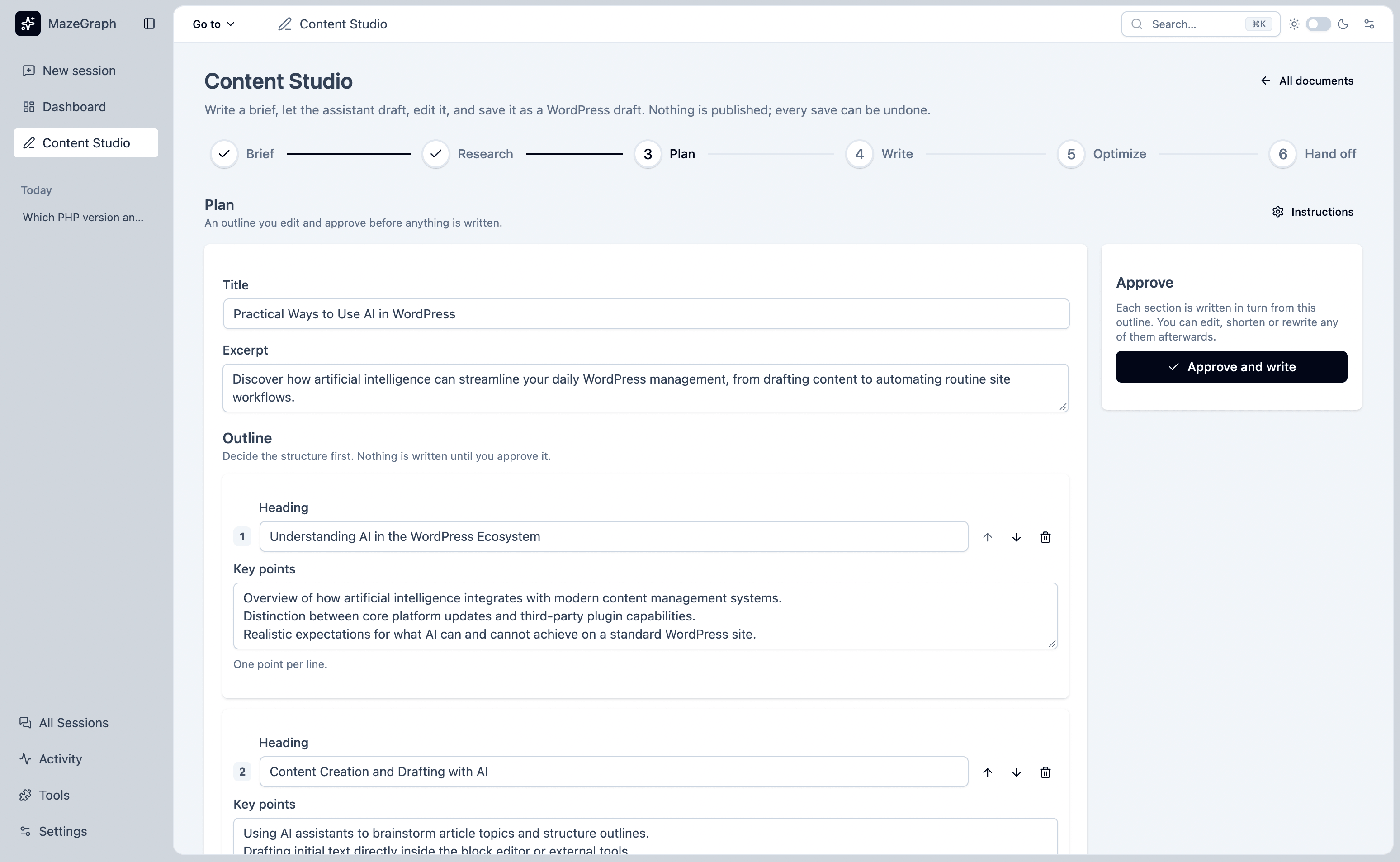
Content Studio guides work through research, an approved outline, writing, optimization checks, and a hand-off to the WordPress editor.
Activity records operational details, supports undo for eligible changes, and separates action history from chat content.
MazeGraph brings the workspace, Content Studio, tools, administration, Activity, and personal data controls together in WordPress.
| Capability | Workspace | Content Studio | Site tools | Administration | Activity | Data controls |
|---|---|---|---|---|---|---|
| Ask questions about your WordPress site | Included | Not part of this area | Included | Not part of this area | Not part of this area | Not part of this area |
| Choose an assistant and connected model | Included | Not part of this area | Not part of this area | Included | Not part of this area | Not part of this area |
| Research, plan, write, and prepare a draft | Not part of this area | Included | Not part of this area | Not part of this area | Not part of this area | Not part of this area |
| Control access and enabled tools | Not part of this area | Not part of this area | Included | Included | Not part of this area | Not part of this area |
| Review recorded actions and undo eligible changes | Not part of this area | Not part of this area | Not part of this area | Not part of this area | Included | Not part of this area |
| Export, erase, and retain personal records | Not part of this area | Not part of this area | Not part of this area | Included | Included | Included |
The connected provider determines which assistants and models are available. The site administrator controls workspace access and enabled tools; each person’s WordPress permissions still apply.
“AI can help with WordPress work while people keep control of the site and review changes before they happen.”
For developer integrations and extensions, visit the MazeGraph developer reference.
MazeGraph requires WordPress 7.0 or later and PHP 8.1 or later. Connect a compatible AI provider through WordPress Connectors; provider billing may apply.
Content Studio hands a draft to the WordPress editor; assistant tools do not publish posts. Other optional write tools can change site data when enabled. Ask waits for every assistant write, Auto skips the prompt only for marked draft operations, and Full may skip it for an undoable write when policy allows. A WooCommerce product update can change the live shop, and an order status change may send an email.
A request may include your message, relevant conversation history, instructions, tool descriptions, and tool results, which can contain site information. MazeGraph shows a data notice and asks for consent before the first message.